Generate from scratch
Transform brief talking points into ready-to-publish copy, titles, and hashtags.
Product Features
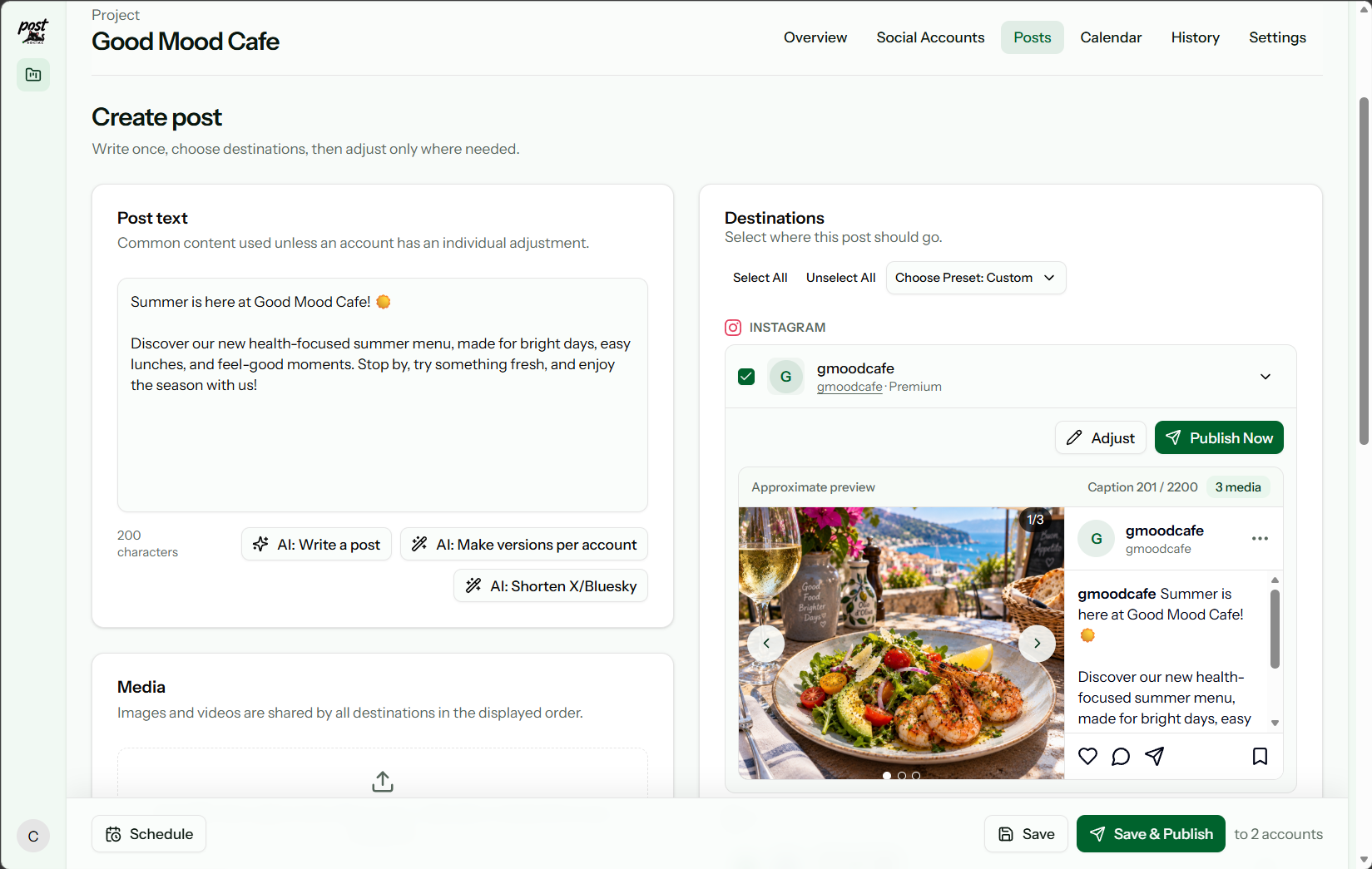
Draft your post and upload media once. Select your target channels, fine-tune individual captions, and publish immediately or schedule for later. Post.Social keeps your entire workflow in one fast workspace instead of ten scattered tabs.
01
Single Master Post
Start with unified text, links, and media in one place.
02
Smart Customization
Tailor captions for individual platforms without rebuilding.
03
Publish or Schedule
Deliver instantly or queue across target timezones.
04
Independent Tracking
Monitor verifiable delivery logs for each destination.
Draft once
Prepare your master message first. Never waste time hunting down files, copy-pasting descriptions, or re-uploading the same images across five social apps again.
Built-in AI Assistant
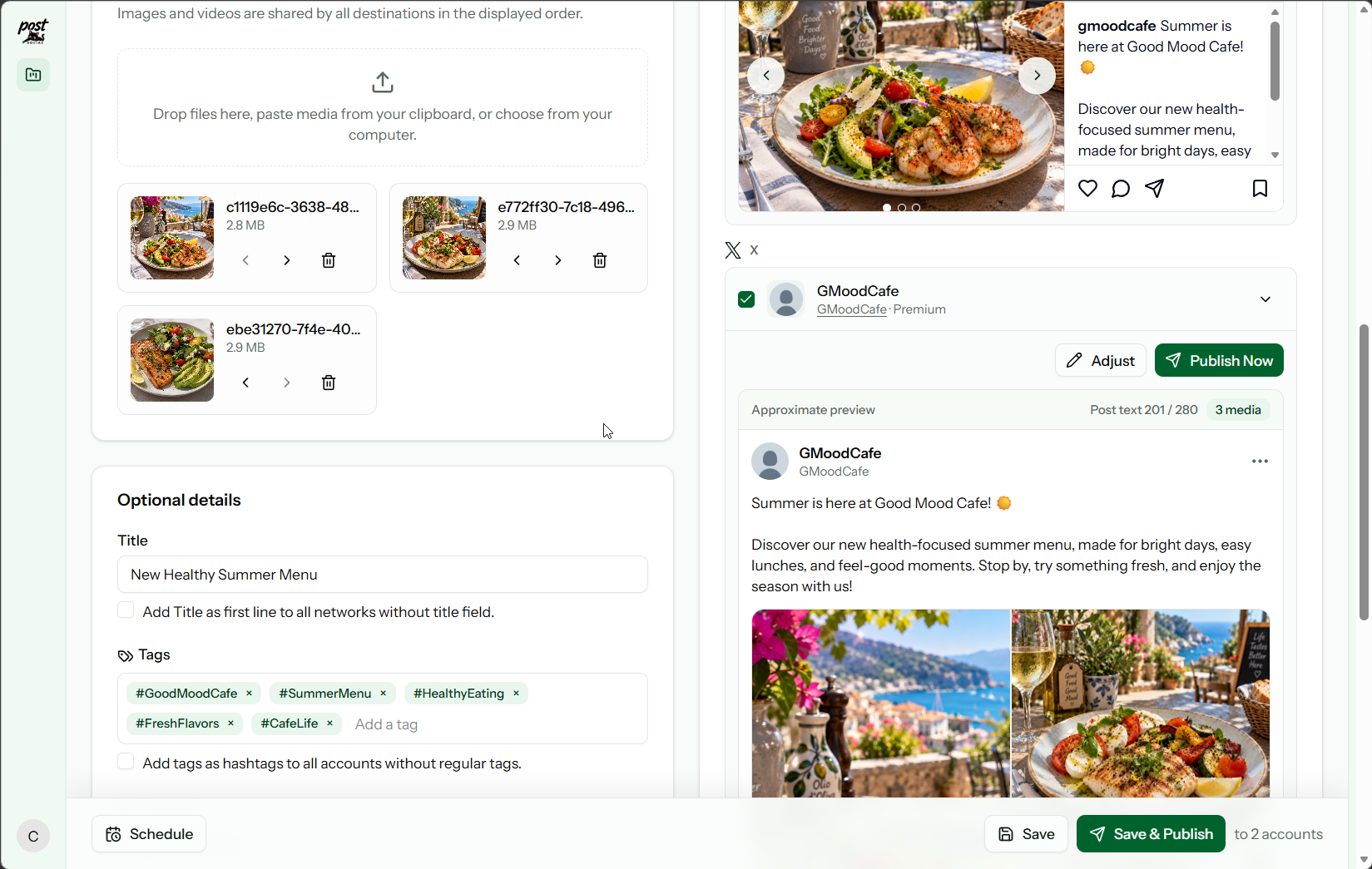
AI tools are built directly into the editor for the moments when a blank screen, writer’s block, or strict network character limits slow you down.
Transform brief talking points into ready-to-publish copy, titles, and hashtags.
Adapt tone automatically: professional for LinkedIn, concise for X, engaging for Telegram.
Condense long-form stories to fit character caps without cutting off sentences.
Refine copy for a single target account without affecting other channel drafts.
Every AI generation remains an editable draft. Nothing is applied, scheduled, or published until you explicitly approve it.
Tailored cross-posting
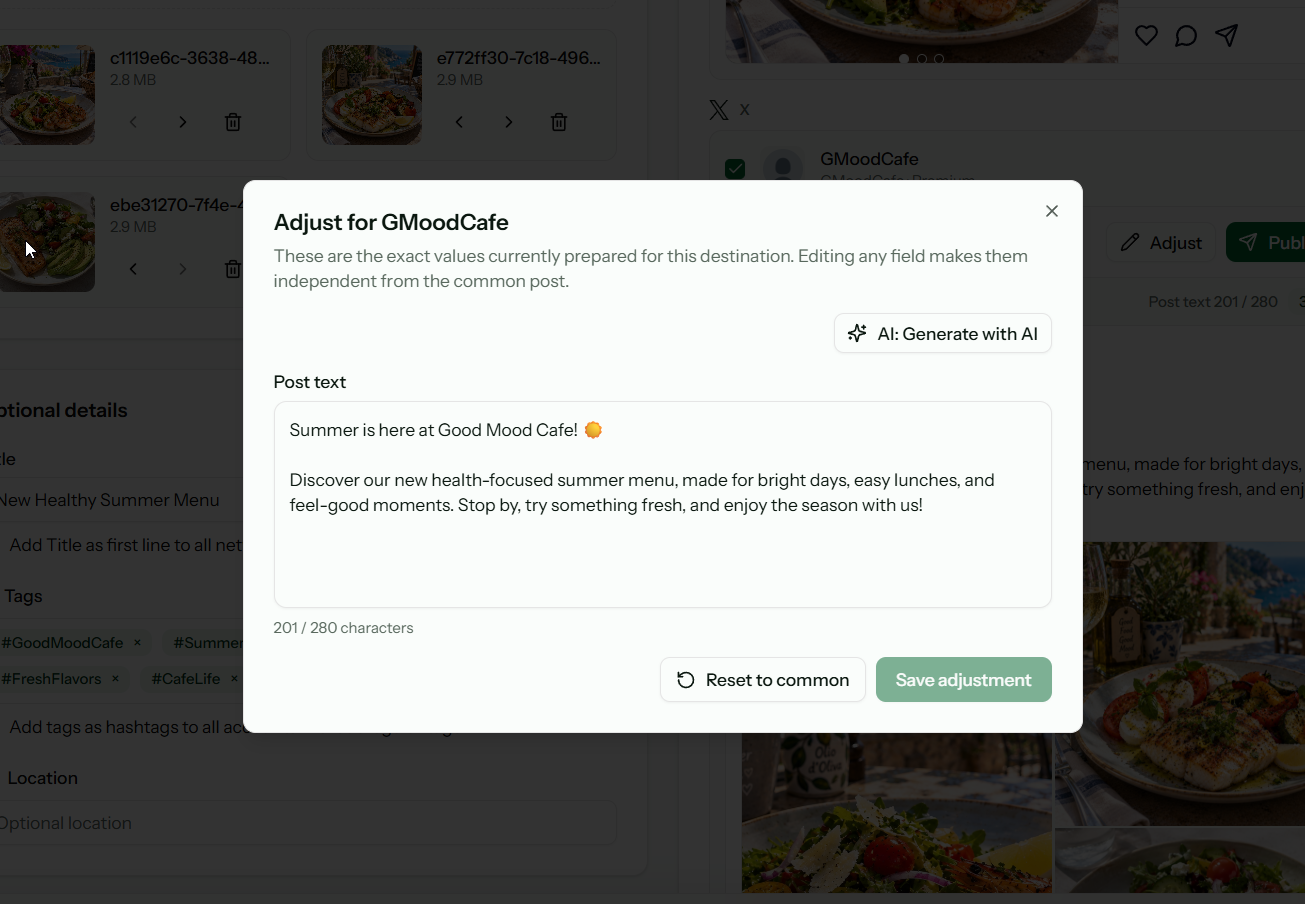
Every connected channel starts with the shared master post. When a platform requires a different angle, customize that specific version while leaving the rest untouched.
Shorten text for X, write detailed captions for Instagram, or adjust tone for professional networks.
Set WordPress categories, select Pinterest boards, or configure channel-specific media options natively.
Your original content remains intact. All custom variations stay attached for future edits or republication.
Smart destination management
Connect all your social profiles, Telegram channels, and WordPress sites. Choose exactly where each piece of content delivers with zero friction.
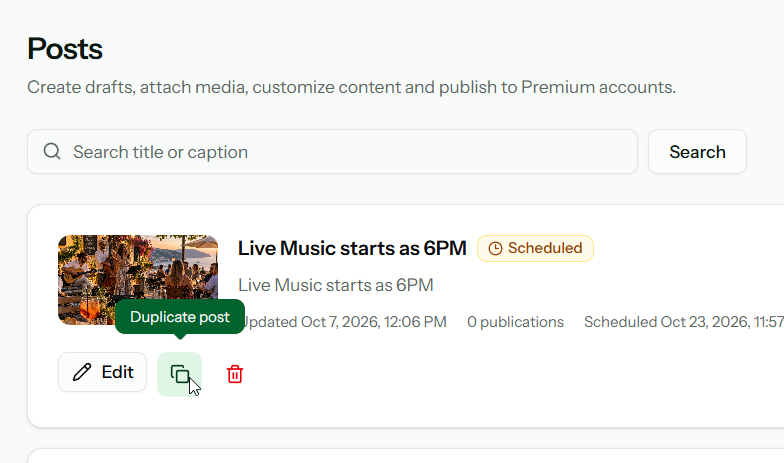
Account Groups
Save groupings like “Main Brand”, “Tech News”, or “Podcast Updates” to apply multi-account selections with a single click. Set any preset as your default for new drafts.
Granular Targeting
Deploy to an entire account group simultaneously, or use Publish Now within a single account preview when only one channel needs an immediate update.
Fair Usage Pricing
Plans are based strictly on successful post deliveries, never on the number of accounts you connect. Connect unlimited profiles without incurring per-account penalties.
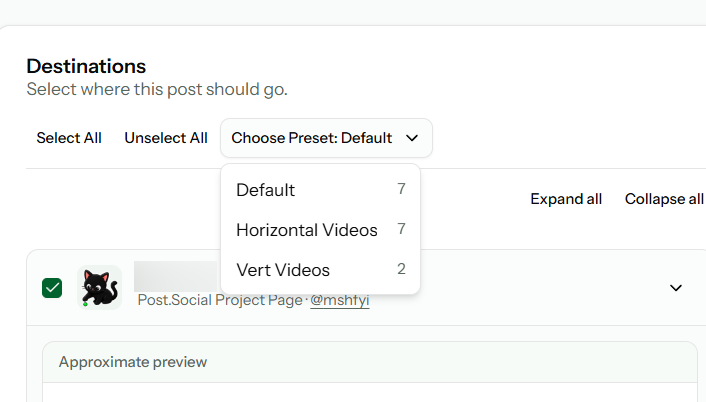
Scheduling & Automation
Deliver immediately or schedule for future dates. Scheduled posts stay fully visible and editable in your master timeline rather than vanishing into closed native queues.
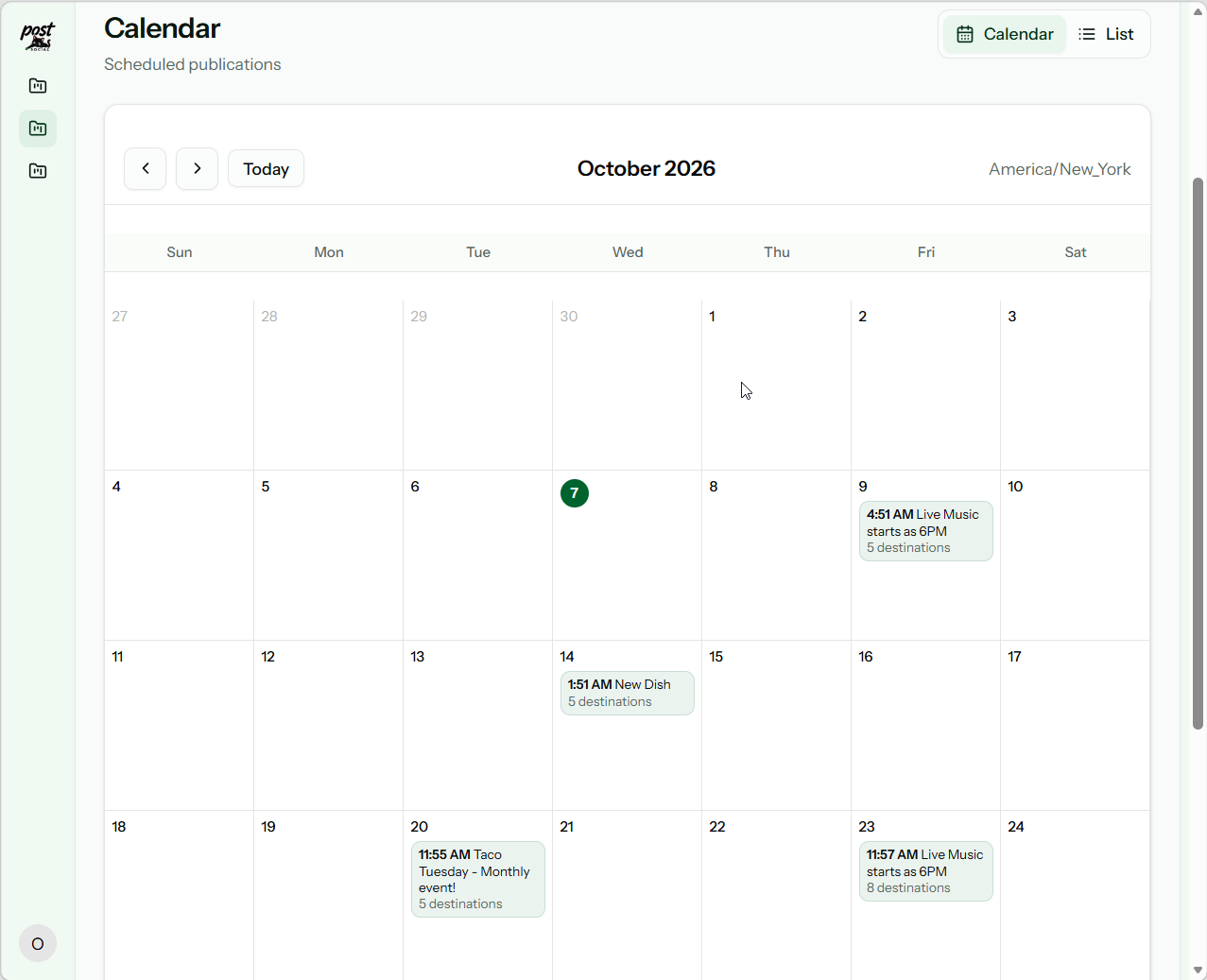
Content Library
Posts remain editable long after saving or publishing. Search by caption or title, duplicate proven posts, refine copy, and republish without starting from a blank page.
Delivery Verification
Multi-account posts never collapse into vague batch statuses. Post.Social logs distinct results for each platform, ensuring an API glitch on one network never obscures successful delivery on others.
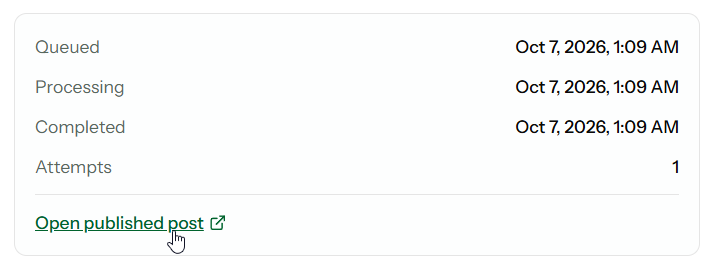
Real-Time Statuses
Track queued, processing, delivered, and failed states independently.
Permanent Snapshots
Review the exact text, media, and metadata delivered to each platform.
Clear Error Context
Receive actionable diagnostics whenever a destination rejects a post.
Direct Post URLs
Open live published posts directly via platform-returned URLs.
Enterprise-grade capabilities
Multi-Project Architecture
Maintain distinct workspaces for different companies or websites. Each Project keeps its own connected channels, presets, timezones, drafts, and publication history.
WordPress & SNAP
Publish rich articles to WordPress with featured images, categories, and tags. Existing SNAP users can offload social publishing to our reliable cloud infrastructure.
See WordPress options →Public Profile
Every project can enable a public feed at a custom @handle, complete with bio, avatar, custom link, and brand styling—without consuming post credits.
Account Security
Two-Factor AuthenticationHardware keys and authenticator app support with backup codes.
PasskeysBiometric, passwordless login on all modern supported devices.
Active Session ControlAudit active browser sessions and remotely revoke access instantly.
Frequently Asked Questions
Yes. Save drafts with uploaded media, target channel selections, and specific copy adaptations to resume editing whenever you are ready.
Yes. Start with common content, then customize copy, hashtags, or tags for any single channel without modifying the other versions.
Yes. Select any subset for a batch broadcast, or use Publish Now within a single account preview for an immediate targeted post.
Other channels publish independently without interruption. Delivery logs detail the exact cause of any failed destination.
Yes. Up until delivery time, you can edit text, swap attachments, change timezones, or unschedule posts back to draft status.
No. Each network maintains distinct aspect ratios and limits. Post.Social previews alerts you to restrictions so you can tailor versions before dispatch.
Start free, connect your favorite platforms, and eliminate repetitive publishing busywork forever.
14-day free trial. No credit card required.